
February 13, 2026
Version 0.5.17 - Release Notes
Major draft setup UX overhaul with clearer cube source selection, richer format cards, and safer player constraints.
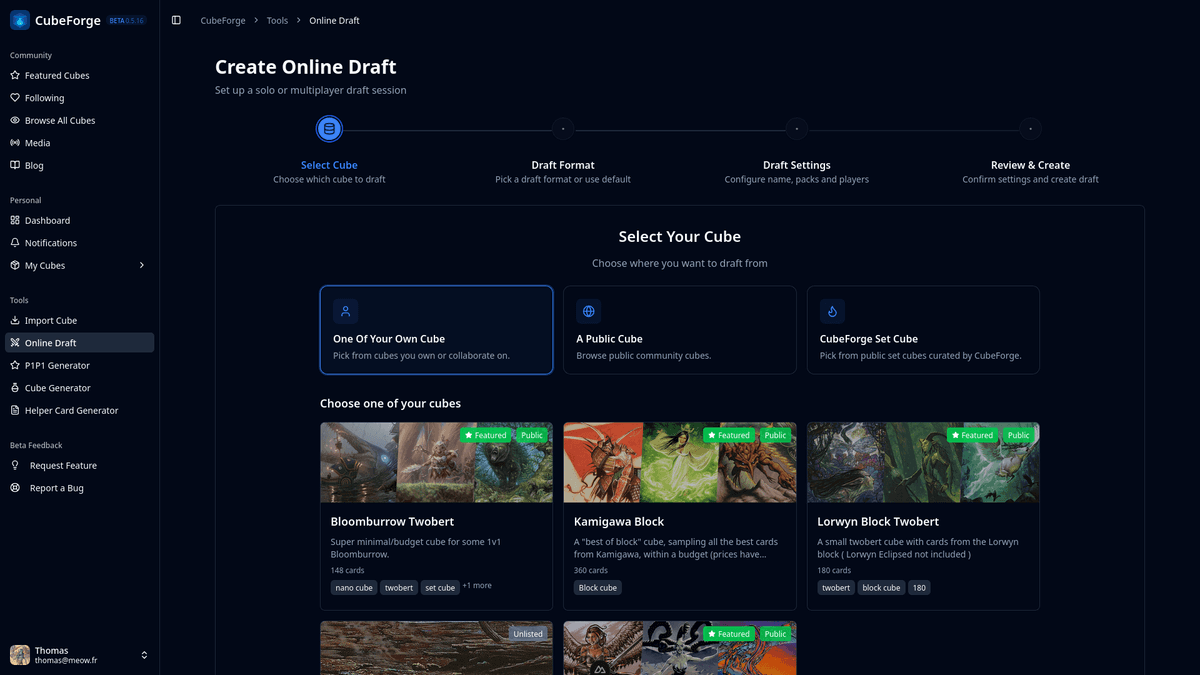
In version 0.5.17, I focused heavily on the draft setup flow. The goal was simple: make the most important workflow in CubeForge feel clearer, more flexible, and more enjoyable to use.
🖼️ Before / After
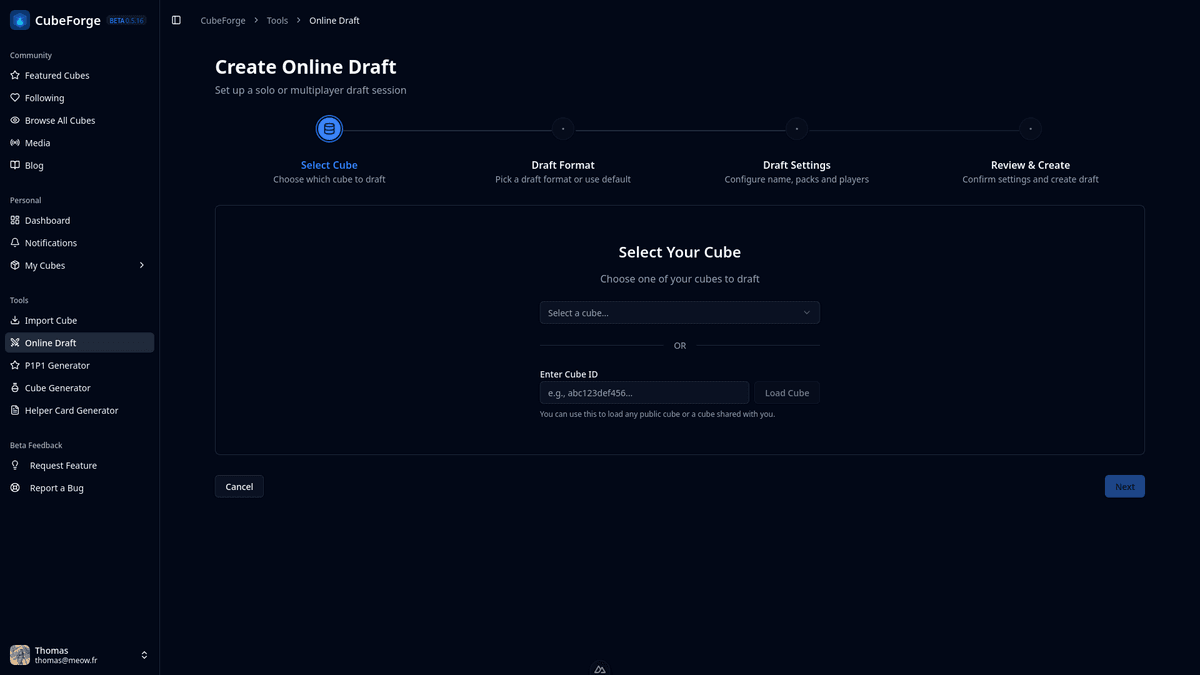
1️⃣ Step 1: Better cube selection flow
The first setup step now starts with three clear cube source options:
- One of your own cube
- A public cube
- CubeForge set cube
The CubeForge set cube option is meant to let players quickly draft supported Magic sets without needing to build the card pool themselves.
For public and set-cube sources, the UI now uses the same cube cards used across the app, and selecting a cube is done directly by clicking the card.
2️⃣ Step 2: Improved format selection
Draft formats are now presented as cards in a cleaner multi-column layout, separated between:
- Selected cube custom formats
- CubeForge standard formats
I also added and refined standard presets, including:
- Regular Draft
- Regular Set Cube Draft
- Pancake Draft
- Pancake Set Cube Draft
Each format card now includes a details sheet with turn preview and pack creation rules for better discoverability.
3️⃣ Step 3: Safer, more useful settings
Settings are now more consistent with the selected format:
- Packs-per-player is configurable from the selected preset
- Cards-per-pack is configurable only for fully random pack formats
- Rule-based pack generation stays locked to avoid accidental breakage
Most importantly, format player constraints are now explicit and enforced.
Formats now support:
minPlayersmaxPlayersrecommendedPlayerCount
This means formats like Pancake can be constrained to exactly 2 players, preventing invalid setup states.
🛠️ Custom format creation updates
Custom draft format creation now supports these same player constraints directly in the form, with validation rules to prevent invalid combinations.
This keeps authored formats safer and ensures setup sliders respect intended format limits.
💡 Why this matters
Draft setup is the core of CubeForge. This release makes that experience:
- easier to understand at a glance
- safer for advanced formats
- more consistent from selection to final creation
I’ll keep iterating on this flow based on feedback, especially around format ergonomics and setup speed.